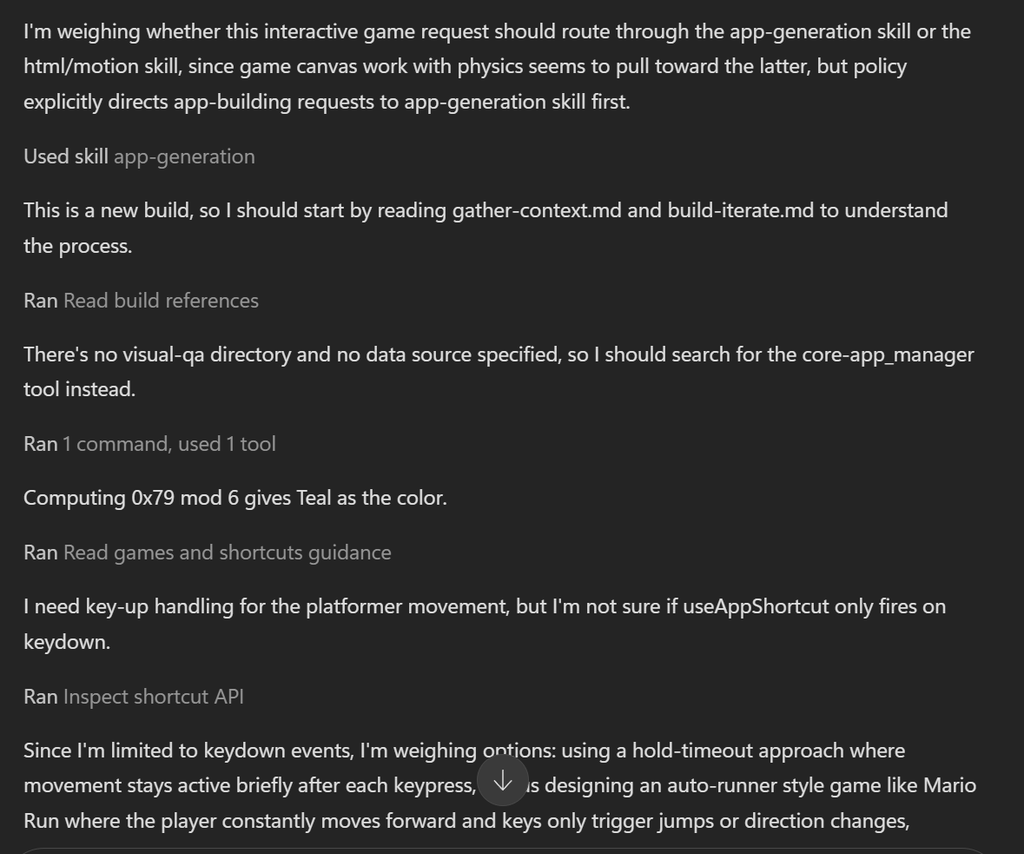

Over the last the couple of weeks a new tab has appeared in Copilot and like anything when a shiny new button appears, you immediately want to try it and that’s what I did.
I’m not a pro coder, and I wouldn’t want to pretend to be. But tooling like this is a real help when it comes to developing and testing ideas without always needing to rely on a developer. That doesn’t mean I’m saying we should replace developers with AI. There are plenty of situations where AI isn’t the right tool and proper development expertise is still essential.
Volunteer Management App using SharePoint
Inspired by Daniel Anderson’s post about using Copilot Code to create a HubSpot equivalent using SharePoint, I thought I would do something similar, but relating to a world I spend a lot of my time in outside of work, and that is the nonprofit sector.
Managing volunteers takes up a lot of time, but it’s important that non profit organisations have a way to keep the information about volunteers in a secure easy way.
My fictious charity is called “Contoso Foundation” in this scenario, the first thing that I needed to create the SharePoint site called “Contoso Volunteer Management”, no other configurations at this stage.
Like with Daniel Anderson’s prompt, he chose a tool he wanted to replicate into his own design, I decided to look at Time counts which is a platform that does do volunteer management, once I had a platform that I wanted to replicated I turned to Copilot Code and entered the following prompt:
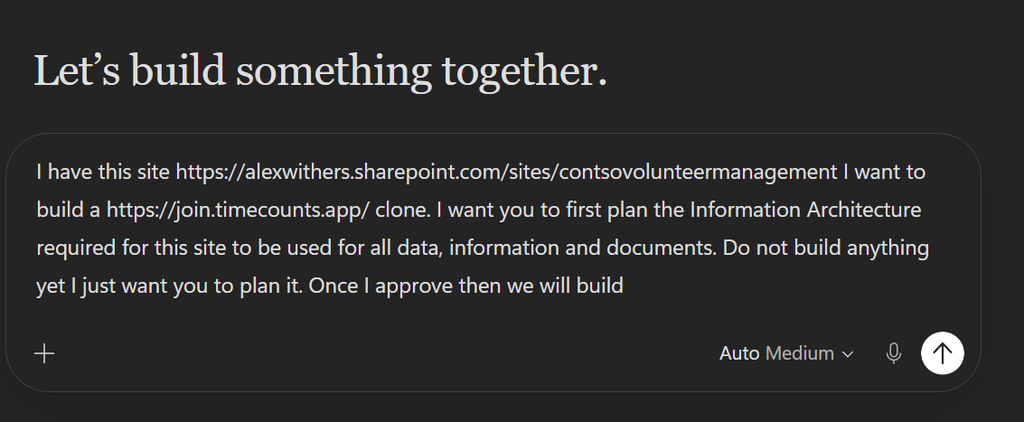
“I have this site https://alexwithers.sharepoint.com/sites/contsovolunteermanagement I want to build a https://join.timecounts.app/ clone. I want you to first plan the Information Architecture required for this site to be used for all data, information and documents. Do not build anything yet I just want you to plan it. Once I approve then we will build”
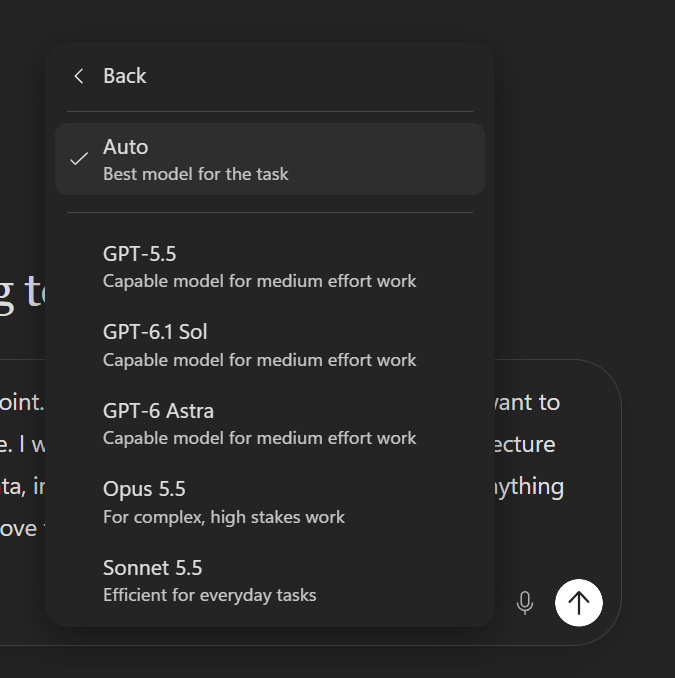
Whilst I could leave the model to be selected automictically, for this I changed it to GPT-6 Astra
Copilot then goes off and produces a plan of what it is going to create:
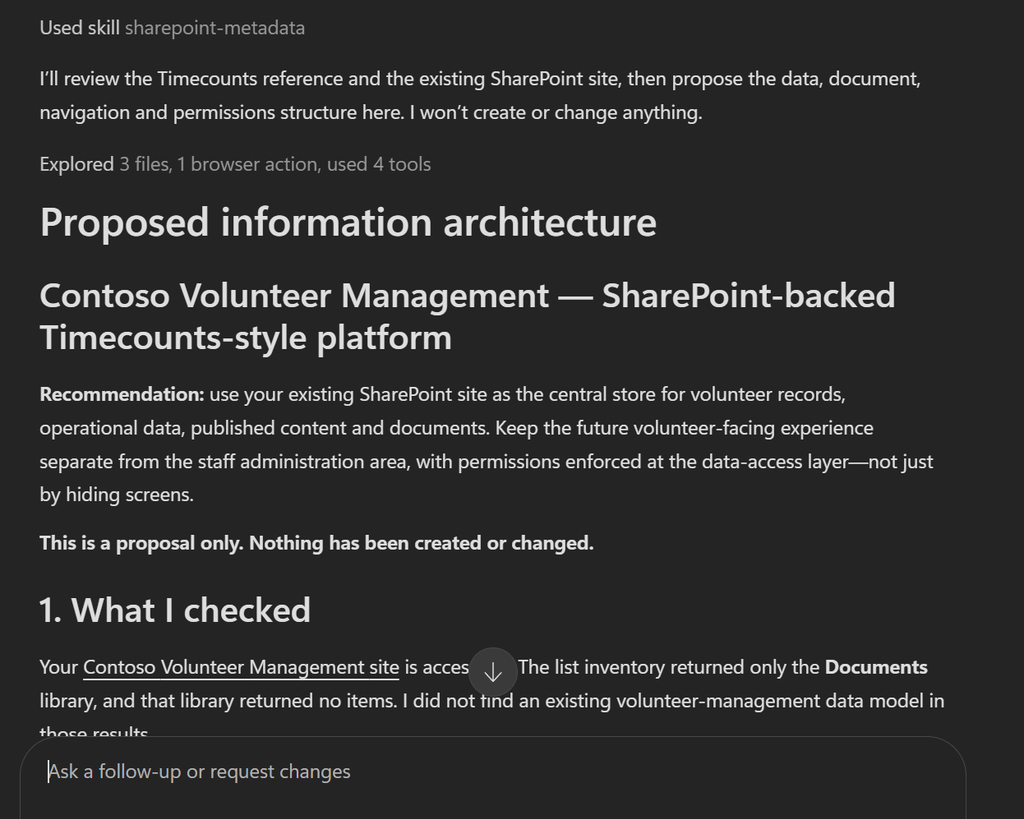
I read through and checked it was capturing what I wanted and once I was happy I gave it the go ahead to

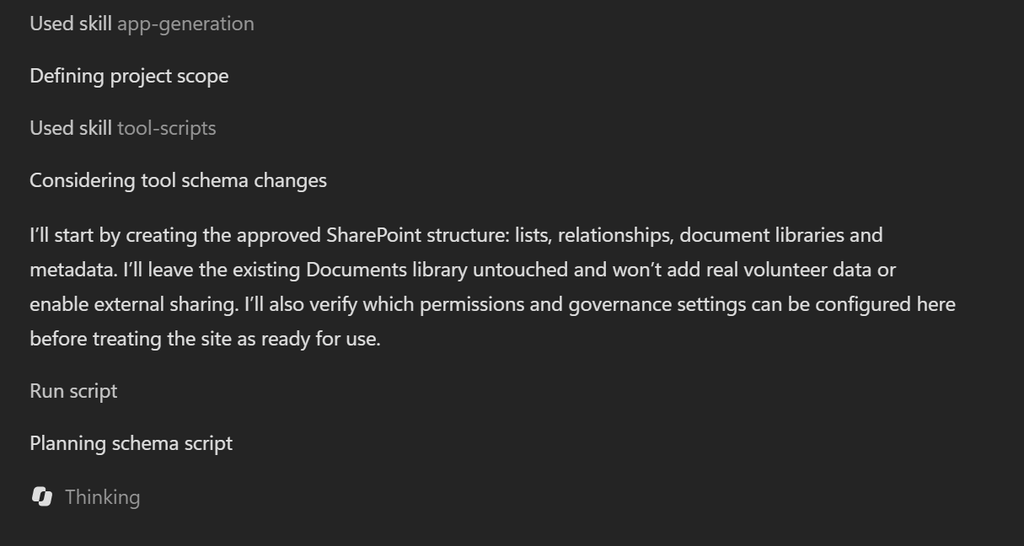
As it starts to process and create the necessary items it needs, it asked for a number of approvals, such as creating the lists.
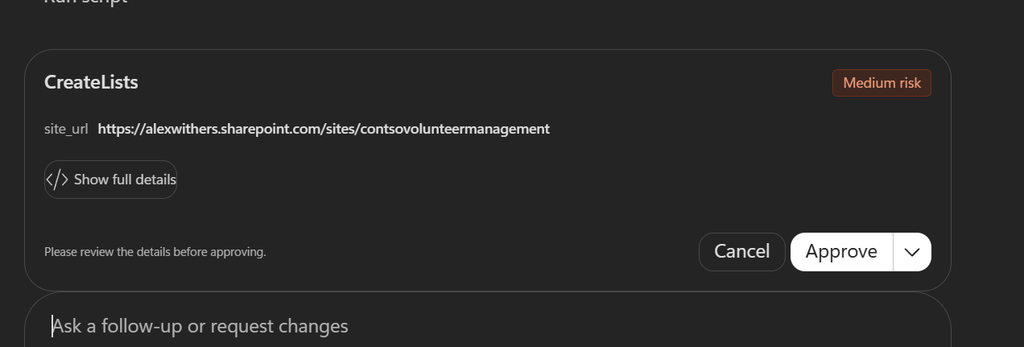
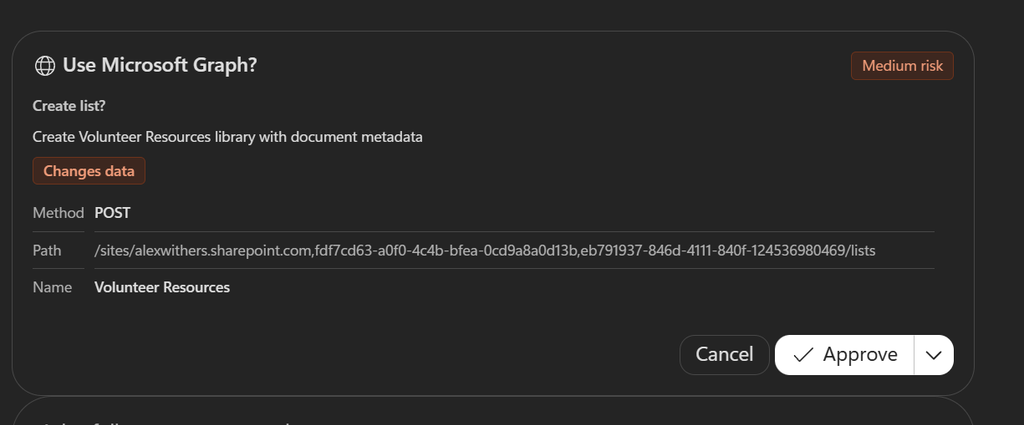
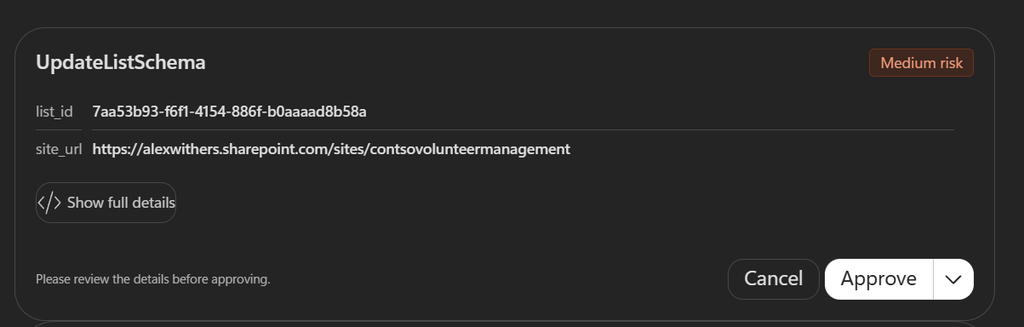
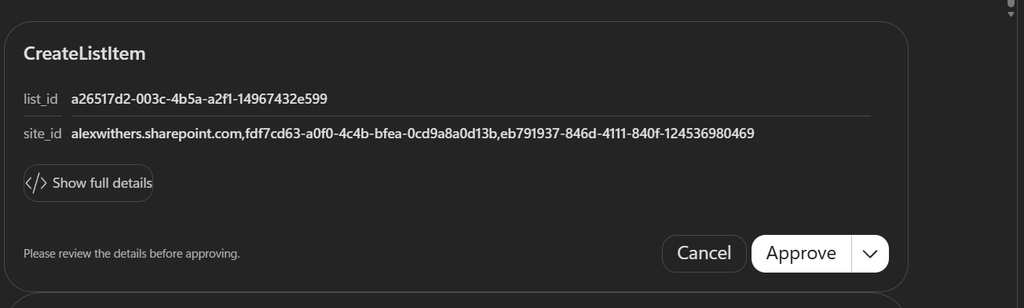
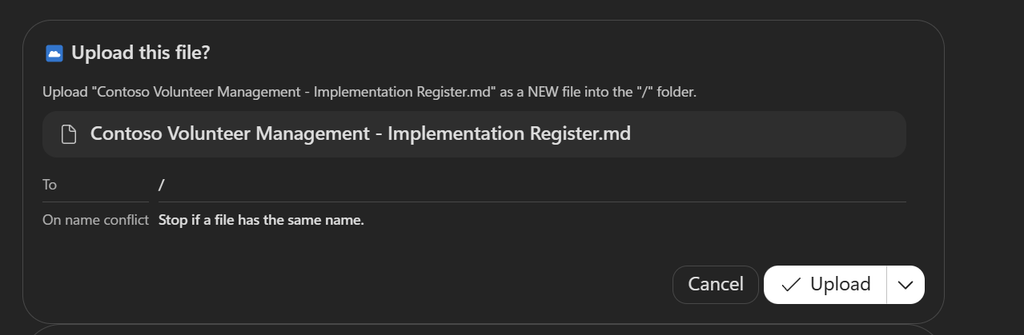
I approved the necessary items and the first draft of the application was created and the necessary SharePoint lists were also created:
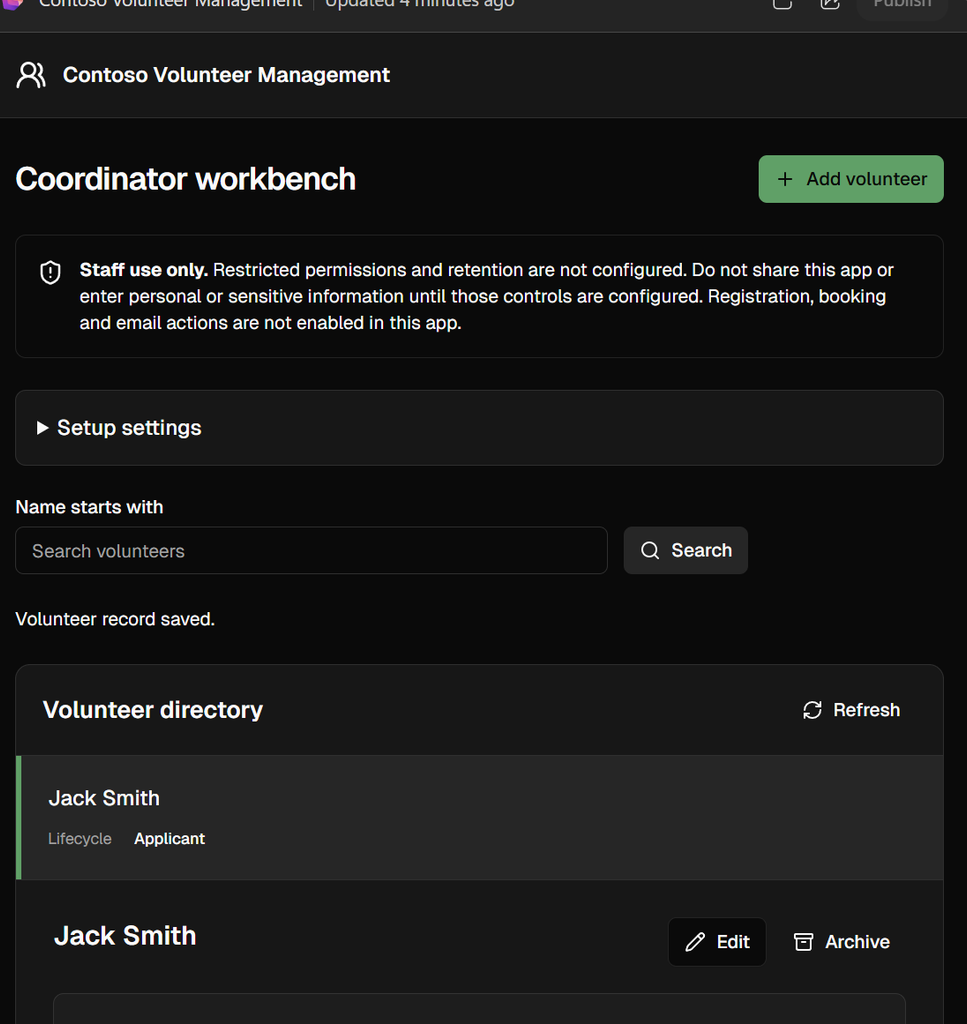
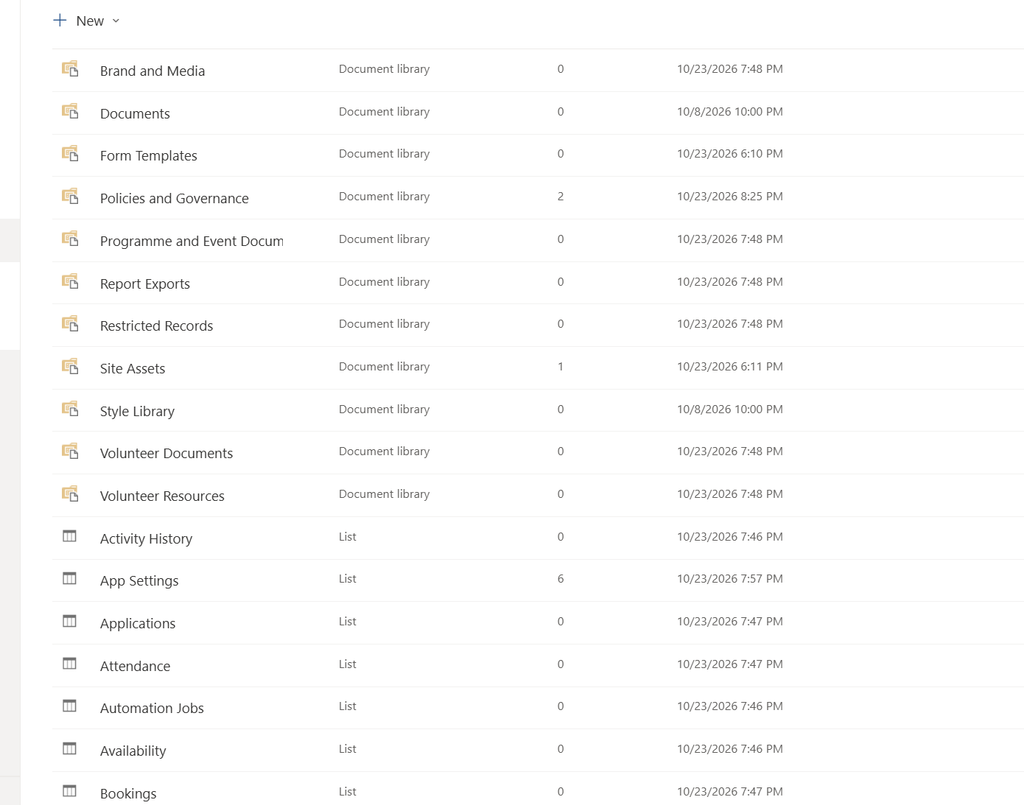
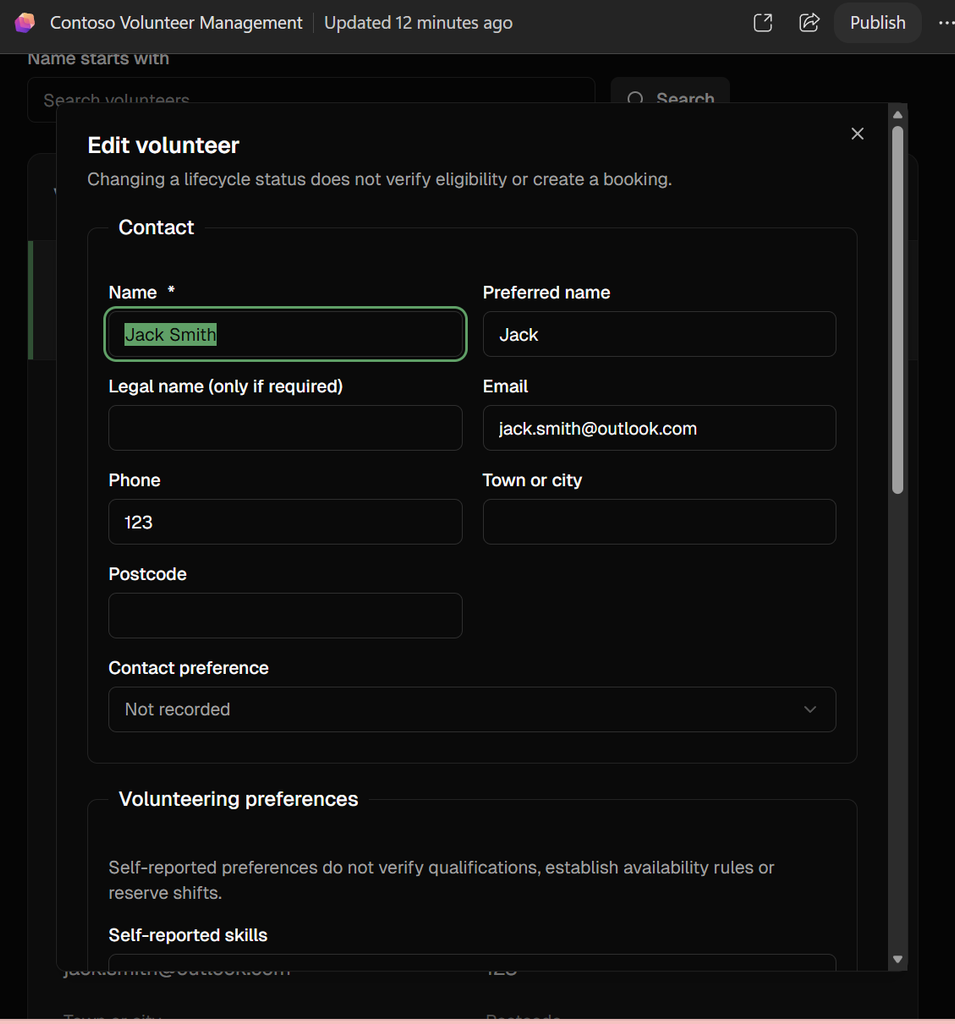
I decided that it didn’t capture enough information on the volunteers, and I wanted those volunteers to be able to log in and update their information themselves, so I asked it to amend:
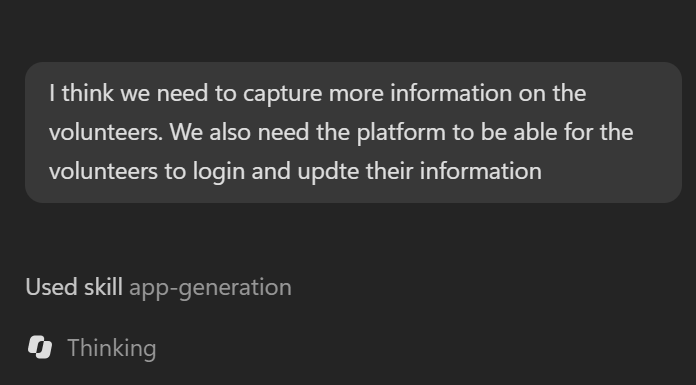
The added information then proceeds to be added and updated the application:
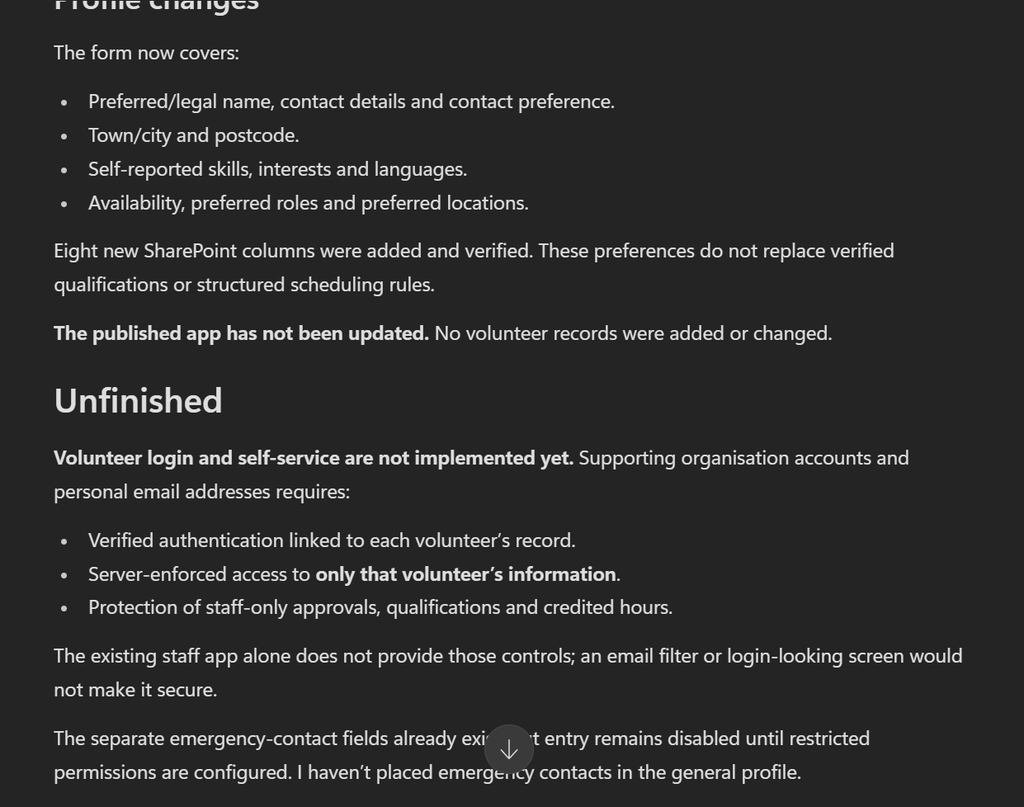
Before it went onto carry on completing the creation of the portal, it highlighted the unfinished items
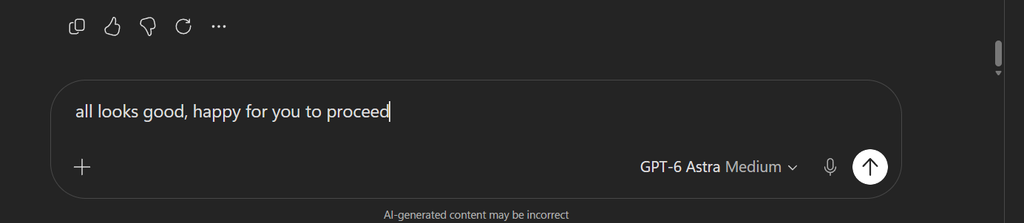
As before I told it when I was happy to go ahead and proceed
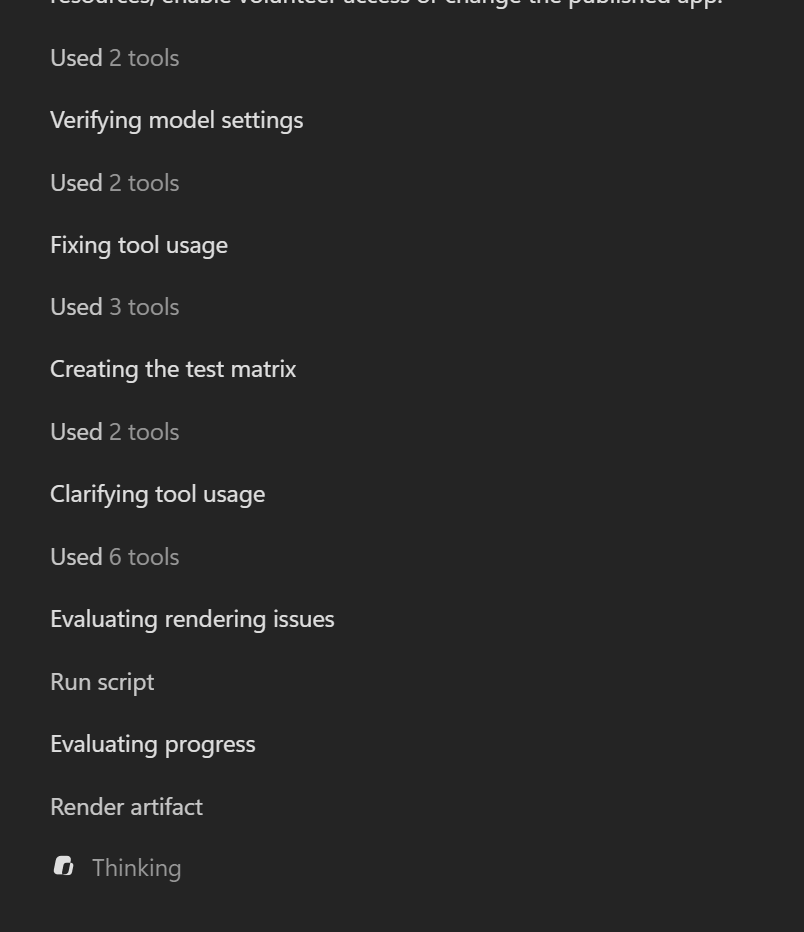
Which it proceed to go and complete the necessary steps:
Super Mario Bros Inspired Game
I couldn’t test out Copilot Code without having a little fun too and create a game, it all started with a very simple prompt:
“Build me an interactive mario superbros inspired game that teaches people about AI and ensuring that data is safe”

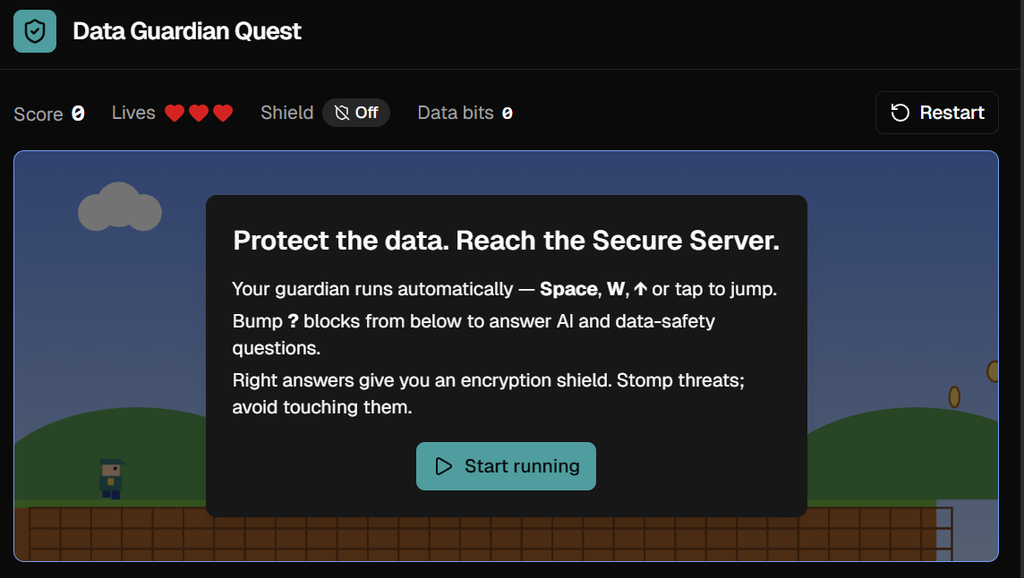
It went off producing the game: