
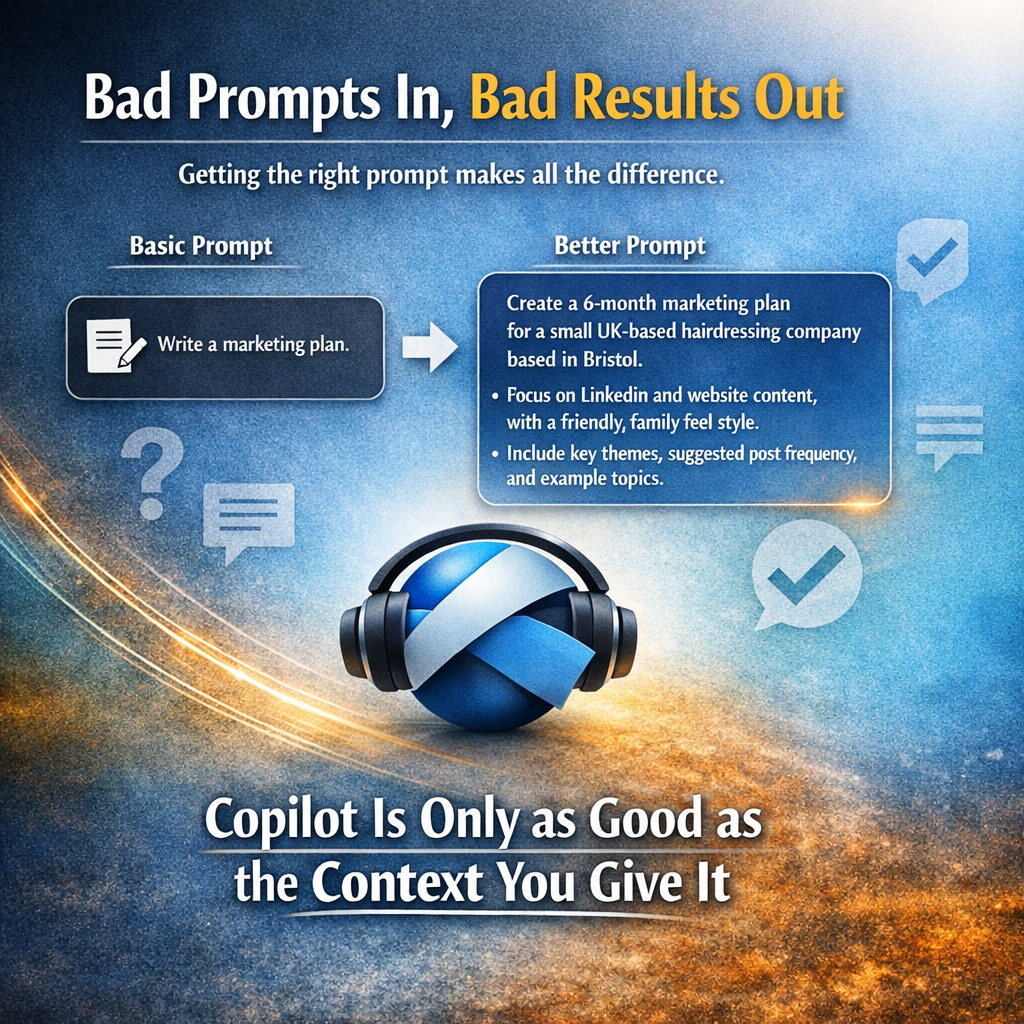
I hear a lot that tools like Copilot are easy to use, “you just type in what you want and it gives you an answer”, but that is really not the case because if you put in a bad prompt you will get out a bad output.
Whilst you can go on courses to be better at prompting, there is a Copilot agent you can use that helps you form better prompts, taking you from a vague request to something far more structured and useful.
Instead of a simple:
“Please can you write up a marketing plan”
You’re guided towards something more like:
“Create a 6‑month marketing plan for a small UK‑based hairdressing company based in Bristol.
Focus on LinkedIn and website content, with a friendly, family feel style.
Include key themes, suggested post frequency, and example topics.”
The difference in output is huge, not because Copilot suddenly got smarter, but because you gave it the context it needs to help you properly.
It’s easy to fall in the trap of just asking it simple questions, and sometimes that is what is needed, but if you are looking for something more meaningful then use the Prompt coach to give you better output. I certainly am no expert on prompting and this has helped me massively.
Copilot Is Only as Good as the Context You Give It
Copilot doesn’t understand intent the way humans do.
It works on patterns, signals, and context.
When prompts are vague, Copilot fills in the gaps, and often not in the way you expected. That’s where the frustration comes from when people say:
“Copilot isn’t very good”
“The answers feel generic”
“It doesn’t really understand what I want”
In most cases, the issue isn’t the tool, it’s the input.
Good prompts:
- explain who the output is for
- clarify what success looks like
- define tone, format, and constraints
This isn’t about being clever. It’s about being clear.
Why This Matters for Real‑World Use
In organisations I work with, I often see Copilot introduced with very little guidance. People are told:
“Just ask it questions.”
That sounds empowering, but it often leads to inconsistent results, low confidence, and eventually people giving up on it altogether.
When teams understand how to prompt well, Copilot becomes:
- a thinking partner
- a time‑saver
- a starting point, not a replacement
And importantly, it becomes something people trust and actually use.
This Is a Skills Shift, Not Just a Tool Rollout
Prompting is quickly becoming a core digital skill.
Not because everyone needs to become an AI expert, but because knowing how to ask good questions has always mattered, Copilot just makes that more visible.
This is another reason why people‑first technology matters so much. Rolling out AI tools without supporting people to use them confidently only creates more frustration and digital anxiety.
Final Thought
Copilot isn’t magic.
It doesn’t replace thinking.
And it definitely doesn’t remove the need for clarity.
But when it’s used well, with the right context, intent, and expectations, it can be genuinely powerful.
The key is remembering that AI works best when people are supported first.
No responses yet